Global Max Session Limit
Set Global Max Session Limit
- Navigate to Security. Click on Security from the left navigation menu.
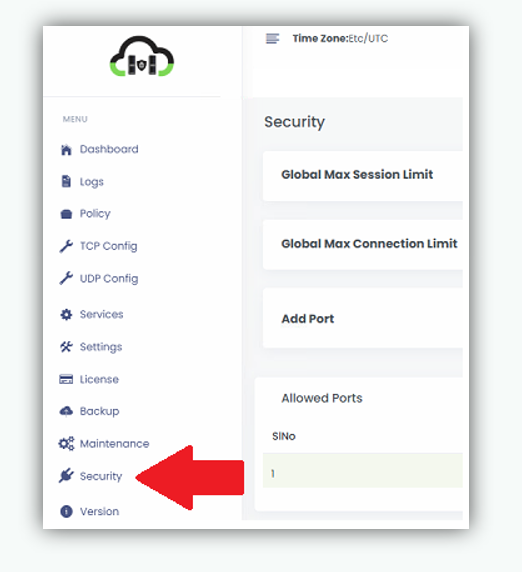
- Locate the Global Max Session Limit field.
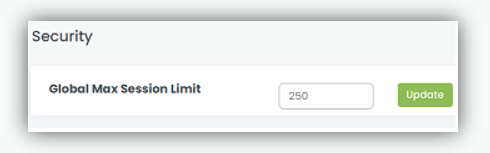
- In the Global Max Session Limit field, enter the maximum number of concurrent sessions allowed. e.g. 250
- Click Update to save the configuration.
Once updated, the system enforces the configured Global Max Session limit, allowing only the specified number of active sessions at any given time.